
Kavya illustrates children’s books from a flat in Pune. She’s an example, but you’ll recognise the week she’s having: a reel has taken off and strangers keep tapping the one link in her Instagram bio. What they land on is a column of seven buttons, one of them for a workshop that ended in March. That night she types the question you probably typed as well, link in bio vs personal website, as though those were the only two things she could put there.
They aren’t. The link in your bio is only a slot. You usually get just one, and the real decision is what sits behind it. A list-of-links page is one answer and a full website is another. Between them sits a third, and it gets left out because nobody agrees on what to call it.
Link in bio vs personal website is really three choices
Most advice on link in bio vs personal website sets a quick page of buttons against a site with a domain and a menu bar, then asks you to pick a side. Judge all three by what a visitor can do on arrival and by what each one asks of you afterwards.
A mini-site is still a link in bio, by the way. It goes in the same slot. It’s simply a more useful thing to find there than a menu of exits.
What a list-of-links page does well, and where it stops
A list-of-links page gets sneered at more than it deserves. It does one job properly: it forwards people. Take a stand-up comic in Bengaluru, as an example, with a ticket page for Saturday’s show and a channel full of clips. Her work already has good homes, so forwarding is all she needs and anything more is decoration.
The trouble starts when a visitor wants to know something before they tap. A column of buttons can’t say who you are beyond a name and a line. It shows no work and lists no services. It can’t take a message either, so the person who was ready to hire you goes hunting for your email. Every button sends the visitor somewhere else, and not all of them come back.
The ten-second stranger test
Open the link from your own bio and hand the phone to someone who doesn’t know your work. A cousin’s flatmate will do. After ten seconds, take it back and ask two things: what do I do, and how would you hire me? If they can answer both, your links are doing enough. If they hesitate on either, the page behind your link is costing you work, and rearranging the buttons won’t fix it.
A personal website gives you room, then asks for upkeep
A full website on your own domain is the other end of the shelf, and in any link in bio vs personal website argument it’s the side that sounds more grown-up. You get as many pages and as deep an archive as you like, plus room for whatever a developer can build: a shop with checkout, say, or a members’ area. For some people it’s the only honest answer.
It also arrives with a list of things that renew. A domain. Hosting, or a site-builder subscription. Sometimes a paid theme, and sometimes a freelancer who set it up and is the only person who knows how it works. None of that is unreasonable, but it is a standing commitment, and you’re the one who keeps it.
The upkeep you can check tonight
If you already have a site, open it on your phone and find the date on the newest thing there. Then search your inbox and last month’s card statement for renewals. A site untouched for two years that still bills you is a worse front door than a tidy single page.
The mini-site in between: one page that does the introducing
Take Tomás, a wedding photographer in Lisbon, as an example. His site has six pages, and every inquiry he gets comes through one of them. The other five exist because a website is supposed to have them.
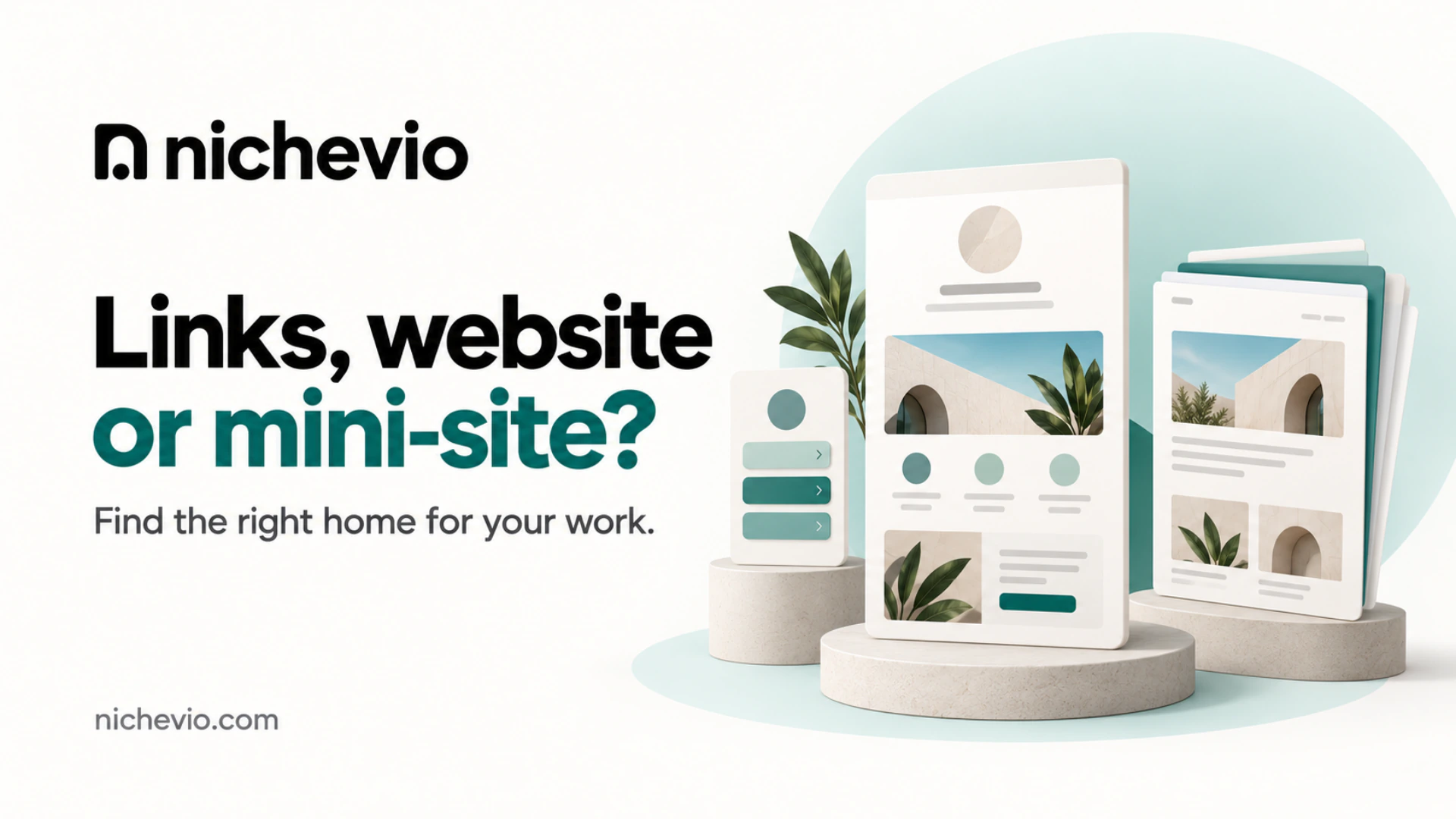
That one page is the idea behind a mini-site: a single page, built for a phone, that opens from the bio link and is divided into sections a visitor scrolls through. It holds the introduction, the work, the services and a way to ask. Nobody has to tap twice to find out if you’re the right person.
This is what Nichevio makes. A Profile is your mini-site, built from sections called Widgets and published at nichevio.com/yourname. The feature is called Link-in-Bio Mini-Sites, and the name is literal: it goes in the bio slot and reads like a small website. That’s the page the usual link in bio vs personal website comparison skips. The creator example shows a finished one, on Individual Pro.
What a visitor should find, in order
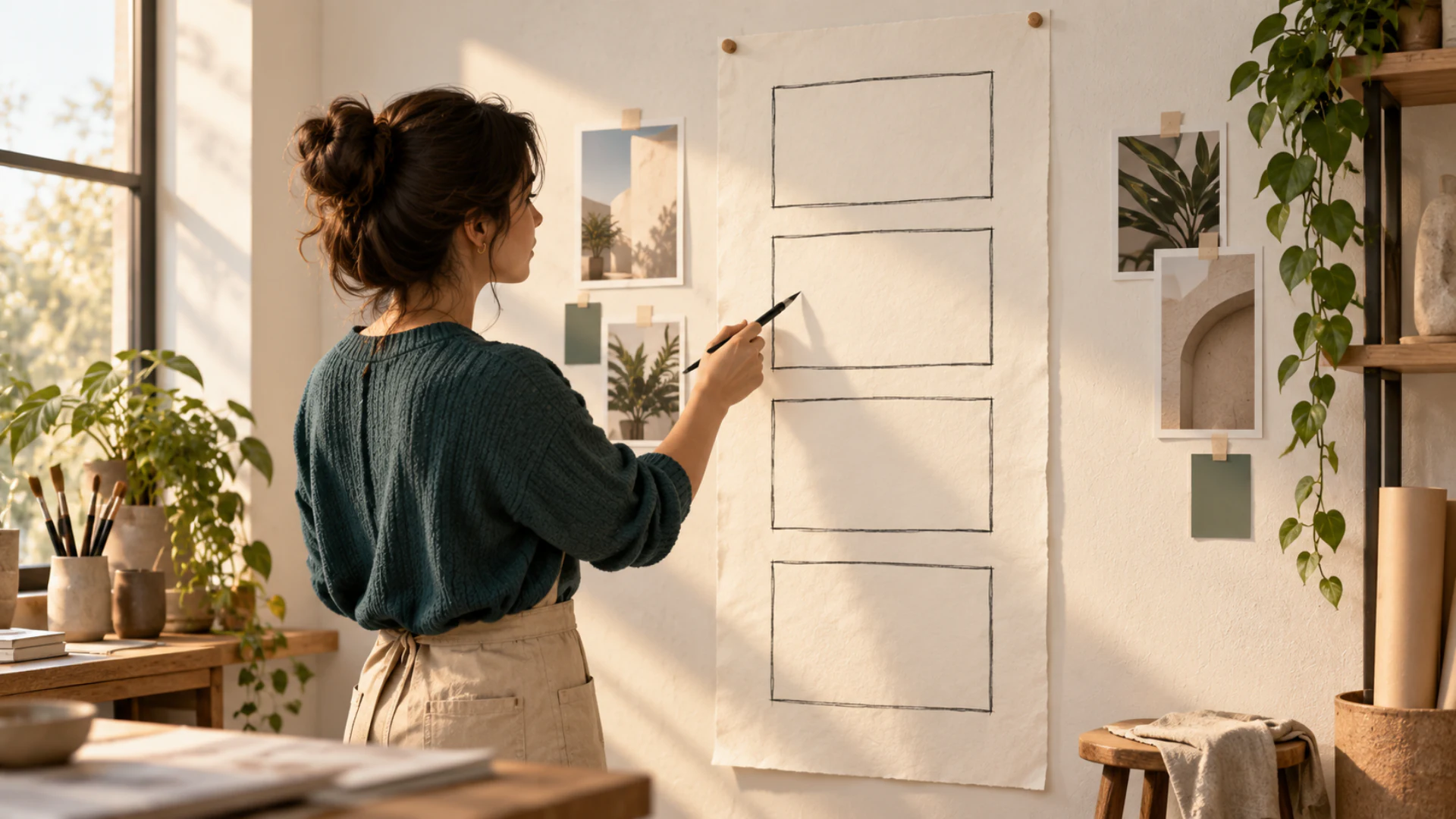
Order matters more than design here. This is the sequence I’d defend for almost any solo trade.
- What you do and who it’s for, in one plain line beside your name and a face or a strong piece of work.
- A few pieces of work you’d be happy to be judged on.
- What you offer, named the way a client would ask for it. Brand shoot beats visual storytelling solutions.
- One way to ask, placed where the reader has just been convinced.
- Links out to the channels where you post, last, for anyone who wants more.
Look where the links ended up. On a list-of-links page they are the whole page. Here they come last, once the visitor knows enough to choose.
A five-minute test for link in bio vs personal website
Answer for the business you have this quarter, and leave out the one you hope to have in two years.
Stay with links if this is you
If everything you want people to see already lives on a page you’re happy with, and nobody needs to contact you through the link because bookings go through an agent or an employer, keep it to links and don’t let anyone talk you into more. If you ever rebuild that page, a Nichevio Profile can be links only: a Hero, Social Links and a Contact Card make a complete Free Profile, and other sections wait until you need them.
Choose the mini-site if these sound familiar
- People message to ask what you charge or whether you take commissions, and the answers live only in your DMs.
- Your best work is scattered across posts that have scrolled out of sight.
- Inquiries arrive in three different apps and you’ve lost track of at least one. A form that saves each one in your dashboard starts on Individual Starter, a paid plan.
- You’d rather spend one evening setting a page up than a weekend every few months maintaining one.
Build the full website if any of these is true
Here a Profile is the wrong tool, and I’d rather say so before you build one. You need a proper site if you publish a large library of long-form writing that keeps growing, if you run a shop that needs checkout and stock counted for you, or if the work depends on custom functionality such as member logins or a live calendar that books and charges without you. A mini-site introduces you and takes the request. It doesn’t replace a store or a blog platform, and treating it as one costs you a rebuild later.
Link in bio vs personal website for creators and for freelancers
The test lands differently by trade. If brands pay you, the person tapping your link may be a brand manager working down a shortlist. She wants your platforms, your formats and how to work with you readable in a minute, which is the job of a Media Kit; our post on whether influencers need a website covers it.
If clients pay for your time, the weight moves to named services and two or three finished projects, which is the subject of whether freelancers need a website and of the professionals page.
What a Nichevio Profile does on each plan
Know what each plan does before you build. These are the Individual plans; the Pricing page compares them in full.
Two of those names sound like more than they are. A Booking Request is a request: you confirm it, suggest another time or decline, and nothing is held on a calendar. The Newsletter Signup saves the subscriber and their consent, and sending stays your job.
The Media Kit is an Individual Widget, so you won’t find it on a Business Profile. The creators page explains what goes in one.
Setting up the page behind your bio link
Most of the work is gathering material, and that’s an evening: one line about what you do, three pieces of work, your services in the words clients use, and the email or number you actually answer. Then, on Nichevio:
- Create an Individual ProfileSign in with the six-digit code sent to your email; there’s no password. Choose Professional or Creator, both Individual Profiles, and you start with a template and recommended Widgets in place. Switching templates later keeps your content.
- Write the Hero, then add the workPut your one line in the Hero. Use Portfolio / Gallery for finished pieces, or the Media Kit if brands are your audience, then list your Services. Individual Free shows three portfolio items and three services, which usefully makes you choose.
- Give people a way to askOn Free, visitors reach you through your email, phone or WhatsApp links. From Starter, add a Lead Form: each inquiry is saved in your dashboard and you get a notification.
- Publish and swap the linkCheck the Phone view in the preview and choose Publish profile, then put your nichevio.com/yourname address in every bio you have. Later edits go live when you choose Update & publish.
If you already own a website or a domain
None of this means tearing anything down. If you have a site you keep current, the answer to link in bio vs personal website is both: the page behind your bio becomes its front door, the short version for someone arriving from a reel, with a link through to the full site. Someone who has just tapped out of a video isn’t going to study your menu bar.
If what you want from a personal website is mainly the address, you can have that too. On a paid Growth plan a Profile can be served from one domain you already own, and the nichevio.com address carries on working. If that domain already runs a site or your email, use a spare subdomain so both keep working; the custom domain guide has the steps.
If link in bio vs personal website is still an open question after all that, stop reading and collect some evidence. Tonight, open your own bio link, hand the phone to someone who doesn’t know your work and count to ten. Then fix whatever they couldn’t tell you.
Questions about link in bio vs personal website
Is a link in bio page enough, or do I need a personal website?
Look at your last ten direct messages. If several ask what you charge or how to book, a list-of-links page isn’t telling people enough, and a one-page mini-site behind the same link will. A full personal website becomes necessary only when you need something a single page can’t hold, such as a growing archive or a checkout.
Can a link in bio page replace a personal website?
That depends on what sits behind the link. A bare list of links can’t, because it explains nothing. A sectioned mini-site often can for someone working alone, as long as one page is all a visitor needs. You’ve outgrown it when you keep wanting separate pages: a course with its own login, say, or a long archive. Build the full site then, and keep the mini-site as the short version behind your bio.
Do I need my own domain for the link in my bio?
No. A bio link is there to be tapped, so a clear address such as nichevio.com/yourname does the job, and every plan includes one, subject to availability. Your own domain matters more where people read or type the address, such as an invoice or a printed card. On Nichevio, connecting one custom domain is part of the paid Growth plans.
Can I publish blog posts on a mini-site?
In moderation. A Nichevio Profile has Articles from the Pro plans, published under your Profile’s address: five a month on Pro and fifteen on Growth, with a cap on the total. That suits someone who writes a considered piece now and then. If writing is your main output and the archive keeps growing year after year, a dedicated publishing set-up on a full website is the better home.
Can a mini-site take bookings or payments?
It can take the request, and you handle the rest. From Starter, a Booking Request lets a visitor ask for a date and time, and you confirm, propose another or decline. Nothing is reserved automatically and no deposit is collected, because Nichevio doesn’t process payments. If clients must pay and lock a slot without speaking to you, a live-calendar booking system is the right tool.