
A patient tells Anil she sent her neighbour over last week. The neighbour never came. Anil is my invention, a physiotherapist with a one-room clinic in Kozhikode, though you may recognise the conversation. The neighbour had found his pin on the map, with a photo of the signboard and a phone number, and couldn’t tell if he did home visits or what time he shut on Saturdays. She meant to call. The page that would have answered her is what an online business profile is for.
Nothing in that story is anyone’s fault. The map listing did its job and so did the recommendation. Each handed over a name and left the customer to work out the rest.
The usual objection goes: I’m on the map and I’ve got a social page, so why look after one more thing? It’s fair, and for a few kinds of business the right answer is don’t bother yet.
What the pin on the map can’t tell a stranger
Your map listing is worth having, and I’d never tell you to neglect it. It answers where and it answers open right now, in the same handful of fields every business on the street gets, on a page somebody else designs.
Word of mouth is thinner still. A recommendation passes on a name, and the person who received it looks you up before calling. They aren’t after much. One current page that is plainly yours would do, and that is all an online business profile is.
A two-minute test on a borrowed phone
Borrow a phone that has never searched for you and do this in order.
- Search your business name and your area, the way a stranger would type it.
- Open the first result that is clearly you and start a timer.
- Without calling anyone, find four things: which services you offer, how the most-asked-for one is priced, your hours this Sunday, and a way to reach you that isn’t a phone call.
- Stop the timer and count the taps it took.
If you found all four inside a minute, on pages you control, close this tab and go back to work. Most owners don’t.
What an online business profile has to answer
The page doesn’t need to be long. It has to settle what people want to know in the minute before they contact you.
- What you do, in the words a customer would use
- When you’re open, including the day you close early
- Where you are, and which door to use
- Your main services and how each is priced or quoted
- How to reach you by call, email or WhatsApp
Reason 1: one address that every other channel points to
Count the places your business details live right now. The map listing. A social bio or two. The printed card, the signboard. Each holds its own copy of your phone number and hours, typed on a different day.
So every change has to be made in five places and gets made in two. Daniel, an invented plumber in Leeds, changed his mobile number last spring. His van still shows the old one. An online business profile gives you one copy to correct and lets the rest point at it.
With a Business Profile on Nichevio, the detail lives at one address, nichevio.com/yourname, and the other places carry the link. Where your map listing asks for a website, this is what goes in. Keep the hours on the listing itself correct too, because people read them there without tapping through. For everything else there’s one address to update.
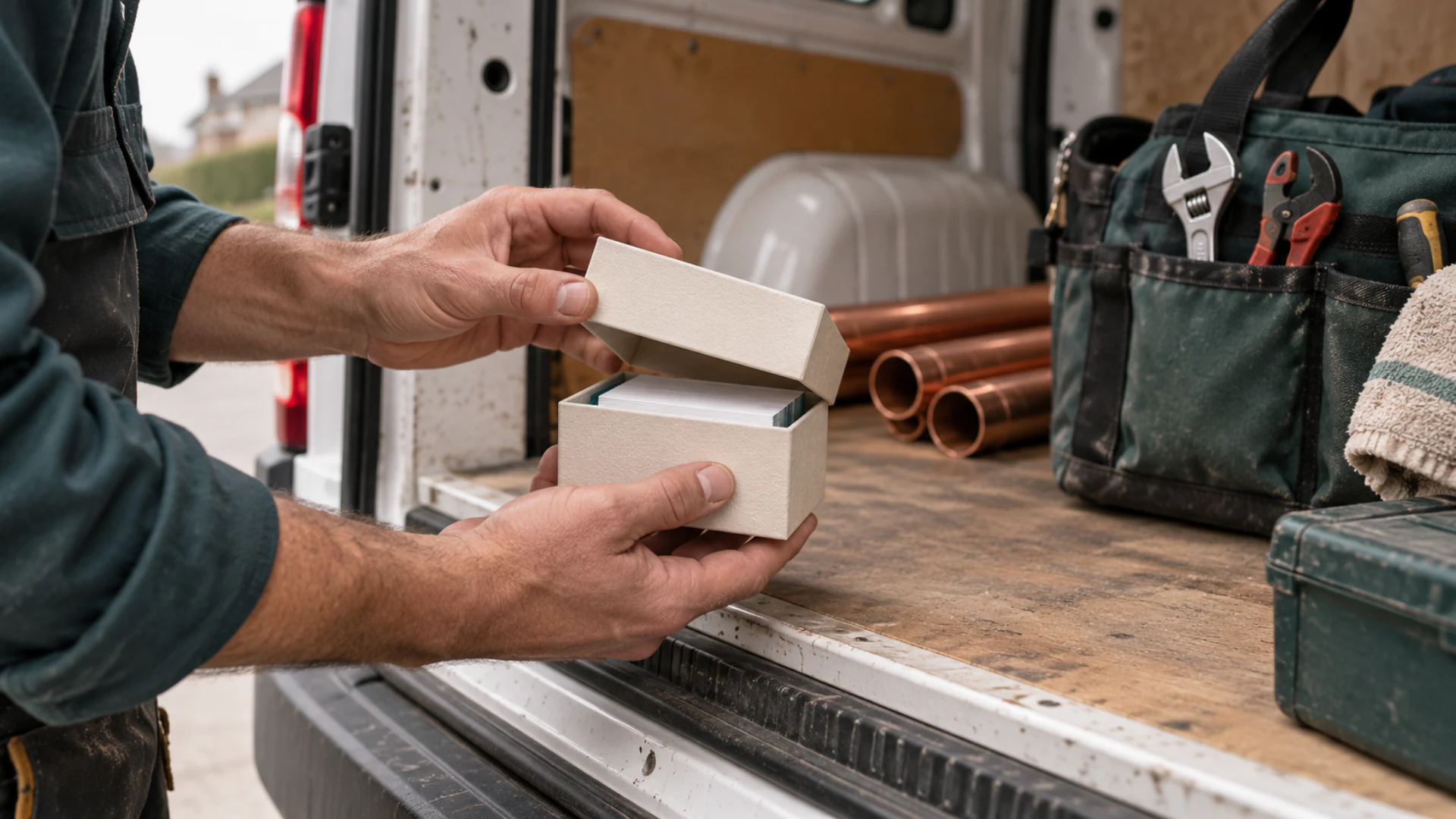
It won’t repaint Daniel’s van, but his next box of cards can carry the address, which stays right when the number changes. And a Profile brings no visitors by itself. Your listing and your recommendations do that, and the page only earns its keep once they lead to it.
The check: open every place your business appears and read the hours aloud. If two disagree, you’ve found the problem. One address doesn’t end it, because the listing keeps its own hours, but it leaves you two copies to look after where there were five.
Reason 2: your services and hours, said your way
A listing gives you the boxes it gives you. Anil’s clinic does home visits on Thursdays only. There’s rarely a box for that, so it goes unsaid and he gets the calls that begin do you do.
An online business profile lets Anil write that line himself. On a Business Profile, Services is a Widget of its own and Opening Hours is another, with a location and your contact links beside them. All of that publishes on Business Free, which shows five services and keeps Nichevio branding on the page. What the paid plans add is on the Pricing page, and there’s a worked small-business example to look at; its inquiry form starts on Business Starter.
Write the services list first, before the About paragraph and before you go hunting for photos. Use the words customers say to you. ‘Blouse stitching, ready in three days’ does more than ‘bespoke tailoring’ ever will.
Hand your phone to a friend
Pick someone who has never used you. Open your page on it and ask them to find out whether you do one specific thing and when you close on Saturday, then watch their thumb. If they give up and ask you, the page hasn’t done its job yet.
Reason 3: a QR code turns your counter into a link
Stand at your own counter the way a customer does. Look at the bill, the card, the bag and the sticker on the door. There’s probably a payment code and nothing else to scan, so the customer who liked you today has only memory to find you by.
Every Profile has a QR code on every plan. Put it where people already wait: by the till, or on whatever goes home with the customer. Meera, to make one up, bakes birthday cakes to order from her flat in Pune. Her code is on the lid of every box, and the guest who asks who made the cake has an answer in one scan.
A code with no words beside it gets walked past, so print a line saying what the scan gives: Menu and timings, or Home visits and fees. And test the printed version with an old phone in poor light before you order a thousand of anything. If cards are your main handout, read what the QR code on your business card should link to.
Reason 4: from Starter, inquiries are saved instead of lost
Open your call log and scroll back seven days. Count the missed calls from numbers you don’t recognise, then the WhatsApp chats that end with their question and nothing from you. Only you can see that number, and it is rarely a comfortable one.
A call that comes while you’re mid-haircut or under a sink leaves a number and no question. On a paid plan, an online business profile can take the message down and keep it until you’re free, which a pin can’t do.
What Business Free leaves out and Starter adds
On Business Free, nothing is saved. No form appears on the public page, and visitors reach you through the call, email and WhatsApp links. From Starter, in either plan family, a Lead Form and a Booking Request can go on the page, and each submission is saved in your dashboard as a Record. You get a notification and the visitor sees a confirmation. You reply yourself, from your own phone or email, and move a Lead Form Record from New to Closed as you go.
A booking is a request you confirm
A visitor asks for a date and a time through the Booking Request, and nothing is reserved automatically. You confirm it, offer another time or decline, from your own phone or email. No live slots, no calendar sync, no deposits, no reminders. For a clinic with one physiotherapist or a barber working alone, that’s how the diary works anyway, and there’s a fuller case in when a Booking Request form works better than instant booking.
Reason 5: the name in the address bar can be yours
Say your web address out loud, as you would to a customer on a bad phone line. If you have to spell it twice, notice that.
Every Profile starts at nichevio.com/yourname, which puts our name in front of yours. When the name on the van and the name in the address bar ought to match, a paid Growth plan lets you connect one domain you already own to the same Profile. The nichevio.com address keeps working, so last year’s cards still open your page. Nichevio doesn’t sell domains: you buy the name elsewhere and follow the custom domain steps in your dashboard.
My advice is to wait. A domain is one more renewal to remember and one more bill each year. Publish on the nichevio.com address you chose and see if people use the page. Add the domain once they do.
When an online business profile is the wrong first step
I’d leave the Profile for later if every sale you make goes through one marketplace. Your storefront there is where your customers already are. Get the photos and your response time right on it before you build a second address nobody is looking for.
If customers must pay online and the stock has to count itself down, you need an online store with card checkout. A Profile doesn’t take payments or count stock.
Back-to-back appointments across several staff, where a slot has to lock the second it’s chosen, call for a live-calendar booking system. And when the site itself is the product, with dozens of pages or member logins, commission a custom-built website and budget for its upkeep.
If nobody knows you exist yet
No page fixes that. Build one when you can feel people looking you up and leaving without calling. Until then it has nobody to answer.
Setting up your online business profile in one sitting
Give it an hour on a quiet afternoon. You sign in with a six-digit code sent to your email, so there’s no password to invent. The full walkthrough is in create your first Profile; this is the order I’d do it in.
- Choose the Business typeStart a new Profile and pick Business. That’s the family with Menu, Product Catalog and Branches, and a Profile can’t change family later.
- Claim a short addressAddresses are first come, first served. If the plain name is taken, add your area.
- Write services and hours firstIn the Builder, fill in Services and Opening Hours in the words customers use. Check every day of the week, including the one you close early.
- Add a contact method, then publishThe publish checklist asks for a contact method, so put in the number you answer. Check the Phone preview and publish. Later edits go live only when you choose Update & publish.
- Point everything at itPut the address wherever your details already appear and print the QR code where customers wait. Skip this step and the first four were wasted.
Which plan each piece needs
Start on Business Free and stay there until the count from your call log bothers you enough to want the form. Whichever plan you’re on, borrow that phone again next month and run the same two-minute test.
Questions owners ask about an online business profile
Is an online business profile the same as a map listing?
No, and you want both. A map listing is an entry on a map service that helps people nearby find you, and your reviews stay there. The profile is a page you write yourself at your own address. Treat the two as separate: when your hours change, plan on changing them in both places.
Do I still need a website if I have an online business profile?
Often not, at least for a while. A Profile is a small website at its own address, and many people use theirs as their main site. If you already have a website, the Profile works as the short front door you share in messages and on printed material. A larger site earns its cost once you need many pages or a full store.
Can customers send me a message through a Business Free Profile?
They can reach you, but nothing is stored. A Business Free Profile shows your call, email and WhatsApp links, and messages arrive on your own phone or inbox as usual. You may be able to set a form up in draft and see it in the preview, but it won’t appear on the public page until the Profile is on Business Starter or a higher plan.
What if my business has more than one location?
Business Free covers one basic location with basic hours. Business Starter gives you one Branch with its own address, hours and WhatsApp number, Business Pro three and Business Growth five. So two locations on one Profile means Business Pro. Where the page has a menu or a catalog, it shows one Branch at a time and visitors switch between Branches on the page.
Will a business profile page bring me new customers?
Not by itself. It gives people who are already looking a reason to contact you instead of moving on. Your dashboard shows a summary of Profile views, covering 28 days on the Free plans and longer on paid ones, so you can see if the count moves after you point your listing and bios at it.