
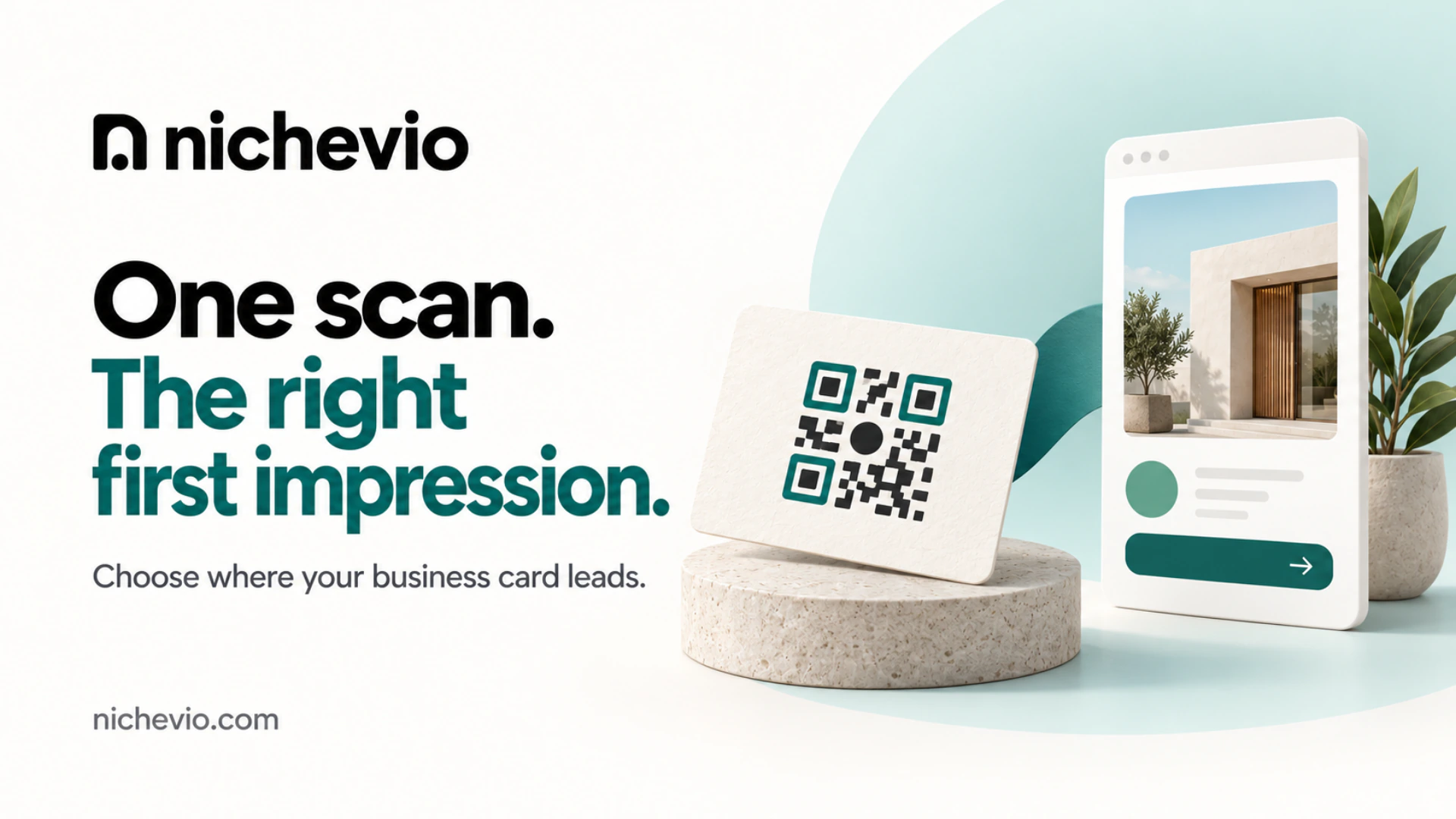
The printer’s message was five words long: “Which link for the QR?” Meera, who in this example runs a beauty parlour above a bakery in Kaloor, sent her Instagram handle because it was the nearest thing to hand. That is how the destination of a QR code on business card artwork usually gets decided: in a hurry, by whoever answers the printer first.
A week later five hundred visiting cards arrived with that decision on the back of every one. Scan a card and you land on a grid of reels. Her prices aren’t there. Neither are her hours, and the only way to ask about a bridal booking is to send a message and wait.
The code should open one mobile page that finishes the introduction the card started: who you are, what you offer, when and where you’re open, and one way to ask. And it has to be a page you can still edit long after the ink is dry.
What the person holding your card wants to know
A QR code on business card stock gets scanned in two situations. Either you’re still standing there and the person is being polite, or it’s four days later and the card has come out of a wallet because they now need a caterer. The second scan is the one that pays.
Your name and number they already have, because those are printed. What they’re scanning for is everything the card had no room for: a rough idea of price, a look at your work, the areas you cover, your Sunday hours. A scan is a question, and the page it opens either answers it or sends them back to searching.
Hand your card to someone who doesn’t know your business well and ask what they’d want to find out next. The first two things they say belong at the top of whatever the code opens.
QR code on business card: five common destinations, compared
Scan the sample cards at any print counter and the same few destinations come round.
A social feed, where Meera’s code leads, is the least bad of the weak ones: at least it shows she’s working.
The home page built for a laptop
A home page is written for a stranger. The person holding your card has already met you, and a slideshow above a strip of tabs makes them start again on a small screen.
The PDF that needs two thumbs
A PDF feels safe because it already exists. It’s also a snapshot laid out for paper: raise one price and the file is wrong until somebody makes a new one.
The contact file that repeats the card
This one sounds clever: scan, and my details save to your phone. The card already carries those details, so the scan delivers a second copy of the same four lines and no reason to call. Often the details sit inside the code itself, so even a new email address means new cards.
What the page behind the code has to hold
Most QR code on business card advice stops at size and placement. The page behind the code has four jobs, and the sequence matters because people stop scrolling sooner than you’d like.
- Say who you are in one line a stranger would understand, with your face or shopfront beside it.
- List what you offer, with a price or a starting point wherever you can give one.
- Give the hours you keep and the area you cover, plus the address if customers come to you.
- Finish with one way to ask, placed where a thumb can reach it.
Notice what’s missing: the founding story and everything you’ve ever done. Neither helps the person who scanned, and both push your number further down.
A Nichevio Profile is one way to build that page. It’s a mini-site made of sections called Widgets, laid out as a page people read rather than a list of buttons, and every published Profile comes with its own QR code. Open the example Profiles on your phone to see a few.
If the card belongs to a business
A Business Profile has Widgets for what a customer checks before coming in or calling: Opening Hours, Locations / Branches, Services, and a Menu or a Product Catalog. Menu, Product Catalog and Locations / Branches are Business Widgets and don’t exist on an Individual Profile. Take a home baker in Pune who slips a card into every cake box: the scan should open a Profile with this month’s Menu near the top and her number beneath it.
If the card belongs to one person
An Individual Profile suits a consultant or freelancer whose name is the business. Its Widgets lean towards proof: Services, Portfolio / Gallery, a Media Kit if you’re a creator, and a Contact Card. Say a calligrapher in Bristol hands a card to a couple at a wedding fair. That evening they want her best lettering and a sense of what a set of invitations costs, and neither fits on paper. Whether a freelancer needs a full website as well is a separate question.
Business card or visiting card: once it’s printed, only the page can change
Call it a business card or a visiting card, the weakness is the same. Everything on it is true the day you approve the proof and starts ageing the day after. Shops move two doors down. A Sunday you used to work becomes a Sunday you don’t.
The usual fix is a sticker over the old line or a pen correction at the counter, and both tell the customer something you’d prefer they didn’t hear. So the rule I’d give anyone printing cards: print only what won’t change, and put the rest behind the code. Name, trade, one phone number, the code. Hours, prices, this week’s specials, the second shop you might open next year: those live on the page.
That only works if the page is yours to edit without calling anyone, which is most of the case for a mini website for a small business. On Nichevio you change a Widget in the Builder, choose Update & publish, and the Profile the code opens shows the new version. The card in someone’s wallet hasn’t changed, but what it leads to has.
One code for the card, the counter, the carry bag and the van
The QR code on business card layouts is usually the first code a small business prints. The card needn’t be the only place it goes: it opens your Profile, which you keep current, so the same square can sit wherever a customer has a spare minute.
- On a stand at the counter or the till, where people wait with nothing to do.
- On carry bags and the slip that goes into a parcel, for the customer who wants to buy again.
- On the shop window, for the passer-by who arrives after closing.
- On the side of a delivery van, for whoever is parked next to it.
One catch: the code opens the Profile, so the regular who wants to buy again and the stranger who has never heard of you land in the same place. Put what you offer near the top, where it serves both.
When the code should skip the Profile altogether
Sometimes the QR code on business card designs should lead somewhere other than a Profile, and I’d rather say so than have you build the wrong thing.
When the scan has exactly one job
If you’re printing cards for a single event and all you want is names on a list or seats at a workshop, link straight to that one action. A page that introduces you suits a card that sits in a wallet for a year. A card that matters for one afternoon needs less.
When you already run the right system
Some businesses have outgrown a Profile before they print a card. If customers pay at the checkout of an online store, the slip in the parcel should open the store, because a Profile doesn’t take online payments. If clients pick a slot on a live-calendar booking system, send them to the calendar: a Booking Request on Nichevio is a request you confirm by hand. And if your full website has a phone-friendly page you can edit yourself, point the code there.
What happens to the inquiry after the scan
A scan that ends in I’ll message them later is mostly lost. The page needs a way to ask that works on the spot, and your plan decides which ways you get.
The QR code itself comes with the Profile on every plan, in both families, so a Free Profile is enough to print from. On the Free plans the page shows your contact details and links, so the visitor calls or messages you on WhatsApp from their own phone. What a Free Profile doesn’t do is save inquiries: forms that collect details don’t appear on it.
From Starter, in both families, you can add a Lead Form or a Booking Request, and each submission is saved as a Record in your dashboard. Business Starter adds a Quote Request form too. Nichevio saves the inquiry; answering it is still your job. Compare what each plan includes before choosing.
Before the cards go to print
Most of the work behind a QR code on business card artwork is done before the printer hears from you.
- Create the Profile and settle its addressChoose Individual or Business when you create it, because a Profile can’t be switched between the two later. Pick a short address at nichevio.com/yourname and print it in plain text on the card too, for people who won’t scan.
- Arrange the Widgets for the scannerIn the Builder, use Move up and Move down until the page follows the four jobs above. Hide anything unfinished instead of publishing it half done.
- Publish and read it on a phoneChoose Publish profile, then open the live page on your own phone, on mobile data. If your price list or your number is more than a couple of scrolls down, move that Widget up.
- Give the printer the Profile’s QR codeUse the QR code that comes with your published Profile, and ask for a paper proof before the full run.
Test the QR code on business card proofs, not on your screen
A code that scans from a bright laptop screen can still fail on textured stock under a shop’s tube light. Scan the paper proof with two phones that aren’t your own, and if either hesitates, ask the printer to make the code larger.
And if you aren’t printing this month, scan the card already in your wallet with somebody else’s phone, and read whatever opens the way a stranger would.
QR code on business card: questions people ask before printing
Why not point the QR code on my business card straight at WhatsApp?
Because a chat window gives a stranger nothing to read before they have to type. Someone scanning days later wants to check what you offer and when you’re open first, so point the code at a short page with a WhatsApp link on it. If your regulars already message you to buy, the direct link is fair.
Can the same QR code go on a visiting card and on my packaging?
Yes. The code opens your Profile, so it can go on anything you print. Before a big packaging run, scan a sample at the size and on the material you’ll use: a code that reads well on a flat card can struggle on a curved jar or a glossy bag.
Do I need a paid plan to get the QR code?
No. The QR code comes with a published Profile on every Nichevio plan, including Individual Free and Business Free. What a paid plan changes is the page behind it. On Business Free, for instance, a Menu or Product Catalog lists text-only items, and item images start on Business Starter.
Does the QR code on a business card need a line of text beside it?
It helps a lot. A bare square asks people to scan on faith, and plenty won’t. Say what they’ll get in a few plain words, such as “Scan for menu and hours” or “See recent work and prices”, then make sure the page delivers exactly that near the top.
I already have a website. Should the code still open a Profile?
Only if the Profile does the job better. If your site has a page that reads well on a phone and you can edit it the same day, link the code there. If updates wait on someone else, a Profile can sit in front of the site and link to it.